
Assets and Equipment
The vans, tools, plant and laptops the business owns, with the dates that matter on them: when each was last serviced, when its certificate runs out, and who has it now.
Getting started
These are the steps in the order somebody would do them. The same list is in the tool: press F1, or the control reading "How this works" at the top of the window.
1. Press New asset and name one thing you own
Open Register and fill the form in. The name is the only field it needs; the tag is what is painted on the thing, and it is what somebody reads off it to find the row. Everything else is what you would have to go and look for if an insurer asked today.
2. Say where it is
A place is a line of text - a yard, a van, a bench - because there is no location table to pick from. A company or a person is a row Keyway already has, and handing a thing to one of those puts a line on their record so somebody opening it sees your equipment is out with them.
3. Put the two dates on separately
The service interval is arithmetic: the next service is worked out from the last one plus the number of days you set. The certificate expiry is a date printed on paperwork by somebody else, so it is stored and never worked out. Nothing lets an interval quietly extend a statutory certificate.
4. Read Running out before anybody asks
That screen is what has already lapsed, what is inside your warning window, and what is on a schedule and has never been serviced. Press a row and it opens that thing on Register, where the service and the new certificate are recorded. It is the reason to open this tool on a morning nobody has asked you anything.
5. Retire what you no longer own
Retire, on a thing sold, scrapped or given back, keeps the row and its whole custody ledger and takes it off every board and out of Keyway Checks; Put it back in use returns it. A check already filed against it keeps naming it, because the record stays.
The screens, and what to do first on each
Each of these opens with nothing on it on a new install. What the tool says on that screen is what this section says, because it is the same sentence.
What has lapsed, what is close, and what has never been done
It fills from the register, so it stays empty until something is on it.
First thing to do: Open Register and add one thing you would have to find paperwork for today.
Everything the business owns
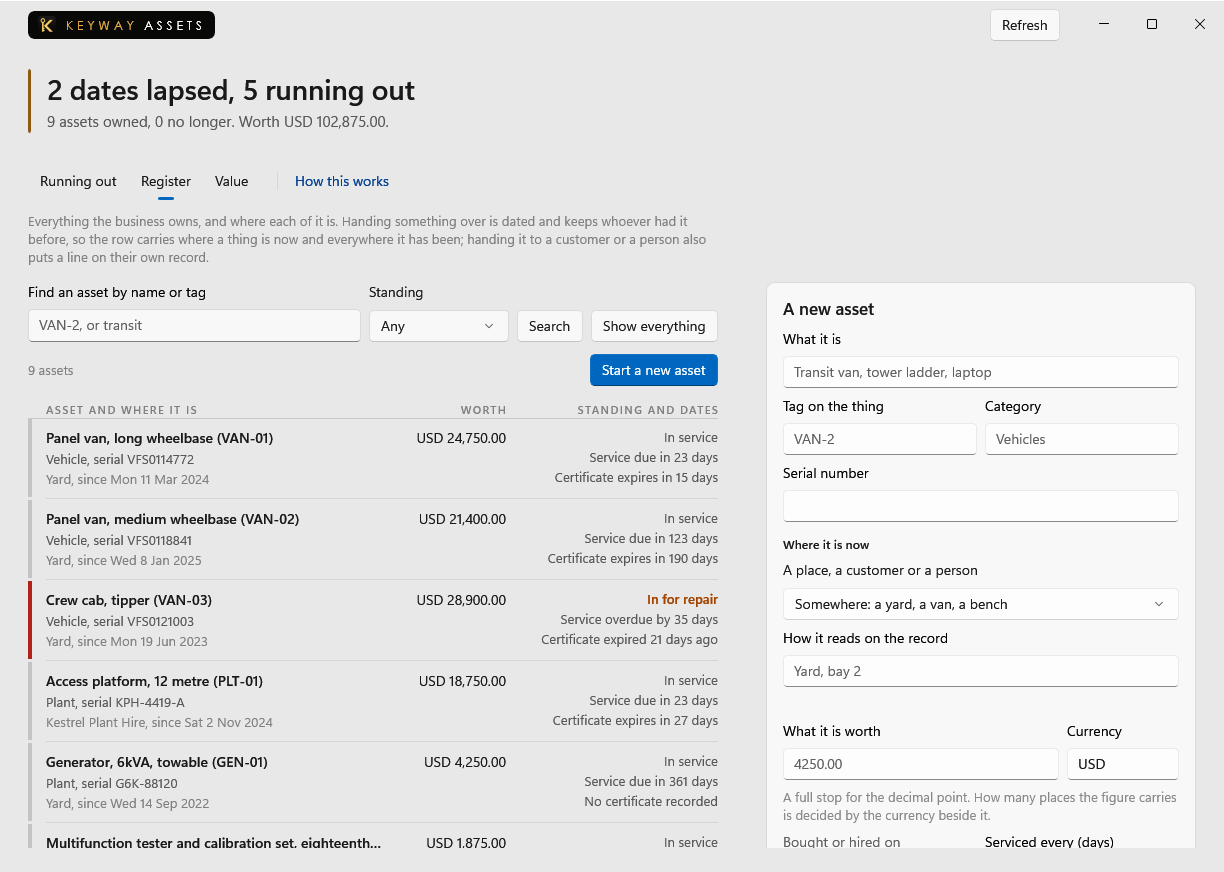
The form beside this adds to it. A name is the only field it needs.
First thing to do: Press New asset and name the thing.
What everything on the register is worth
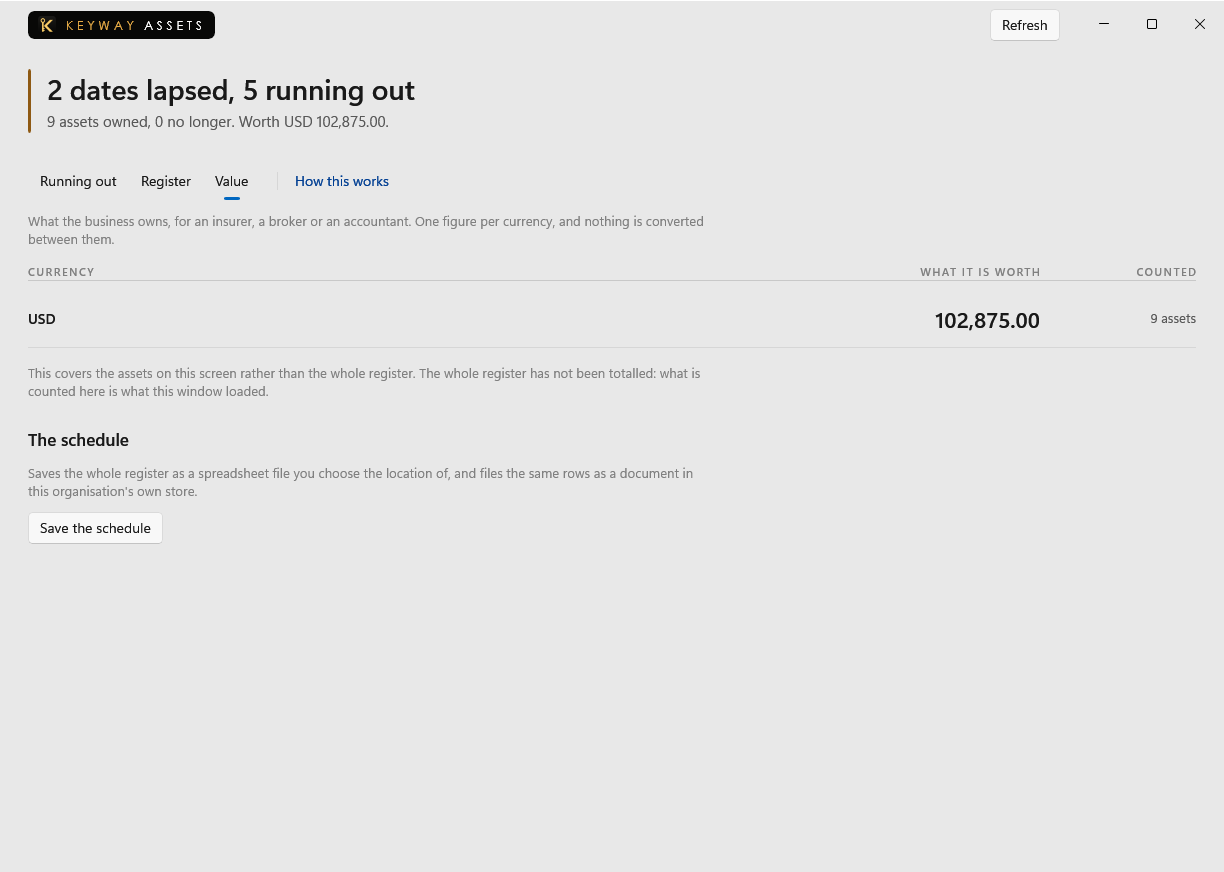
A figure comes off the What it is worth box on an asset, so this stays empty until something carries one.
First thing to do: Open Register, pick a thing and put what it is worth on it.
If you get stuck
Write to support@keywaysuite.com. We answer within one business day. Keyway can send us what it knows about your installation: open the hub, go to About and press Get support. It writes one file wherever you choose and never includes your licence, a password, a customer name or a customer address.